Why can't I add a note?
If you can't add notes, it is likely that the feature is disabled or that you only have read access.
The 'Add Notes' functionality can be enabled to remain visible at all times for users with edit access. When enabled, it appears in the top-right corner of the record, allowing comments to be added regardless of the workflow status.
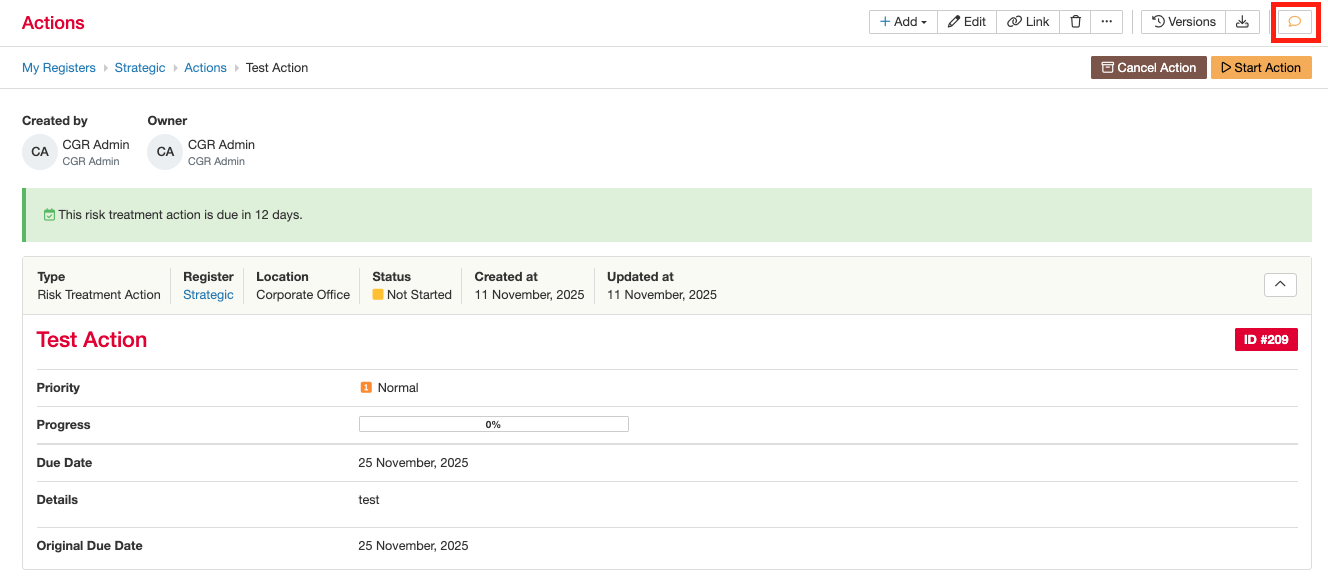
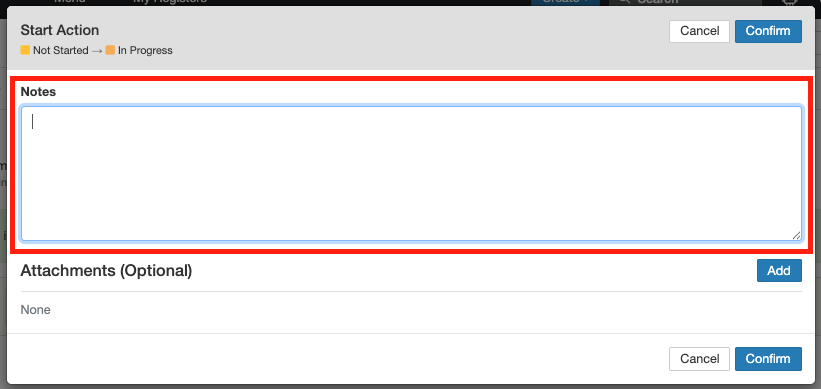
Another place to add a note, if you are looking for ‘note’ functionality, is within the workflow transition. A notes field can be included in a transition when the Add Note option has been enabled.
For both cases, please follow the guide on how to enable in this Add note Function and Email options.
Was this article helpful?
That’s Great!
Thank you for your feedback
Sorry! We couldn't be helpful
Thank you for your feedback
Feedback sent
We appreciate your effort and will try to fix the article