Clew 5.0 and the redesigned navigation give you a clearer structural foundation, connecting how you understand performance (Dashboards), navigate your organisation (Organisation) and execute work (Modules).
The resources on this page will help you and your teams settle in quickly. Start with the full navigation tour for the big picture, then use the sectional tours to go deeper into each area. Watch the masterclass to see the new navigation applied to everyday governance work, and use the FAQs and blog articles for answers and background as you go.
Take the full tour
This video showcases all elements of the improved navigation experience
Clew Navigation | A more intuitive experience |
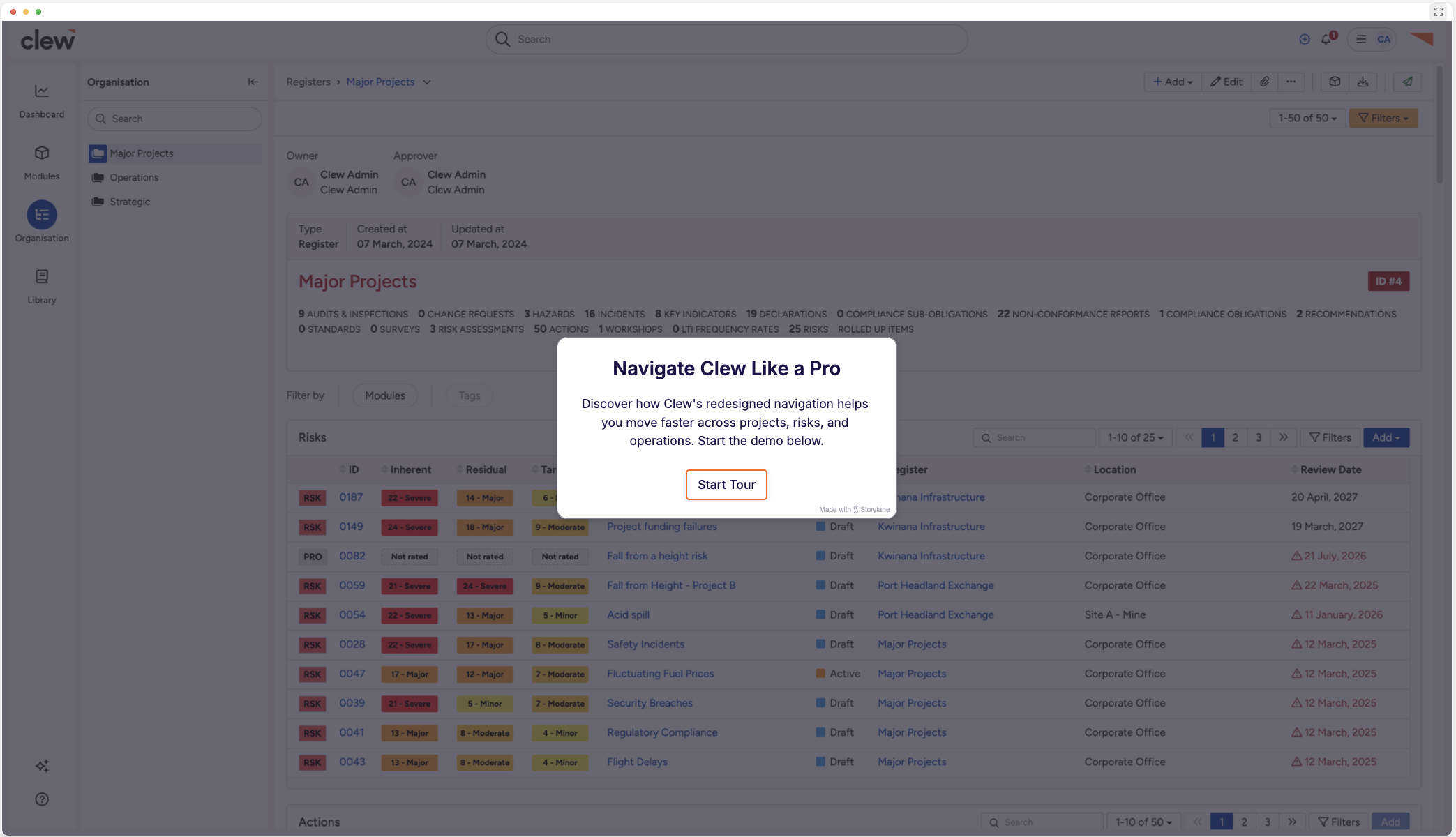 |
Anchor Navigation
This illustrates the 2 distinct panels that ensure users can orientate themselves at any point in their use of the platform
Clew Navigation | Organisation Structure |
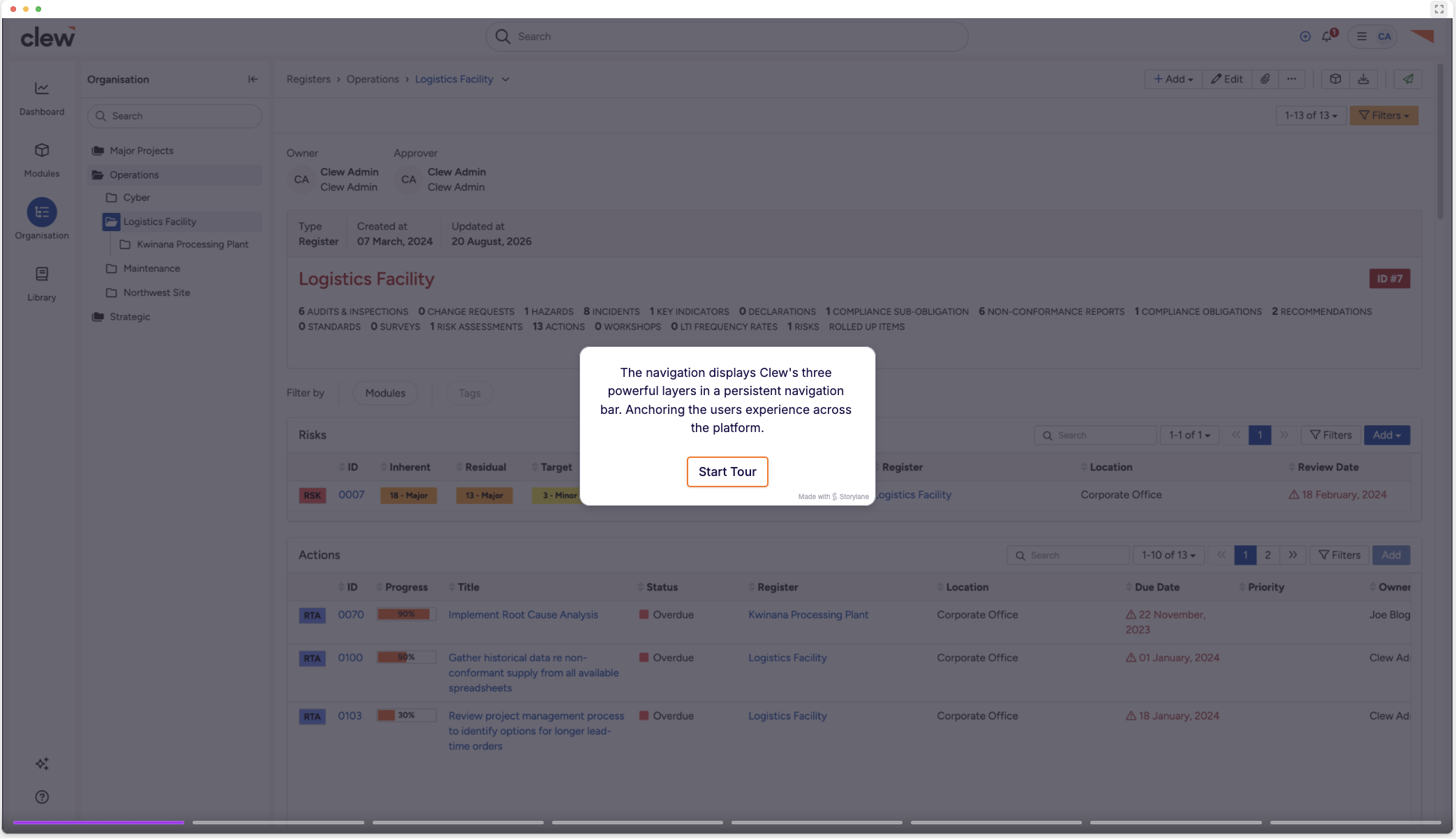 |
Org Structure
A closer look at how we have surfaced your existing structure in the improved experience
Clew Navigation | Organisation Structure |
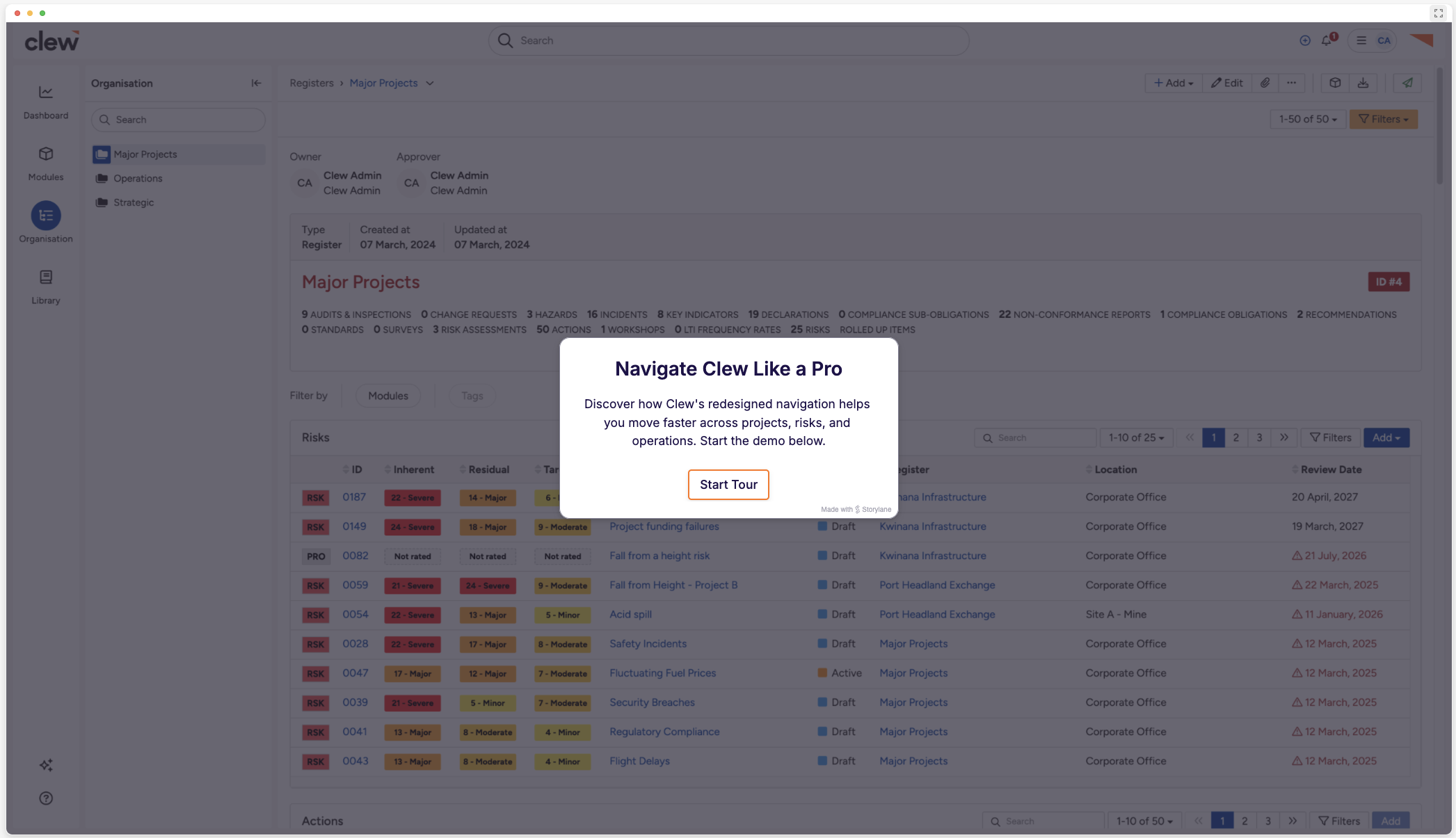 |
Dynamic Breadcrumbs
For the power user who know the job they are here to do and require a narrowed view of where they are in the org structure
Clew Navigation | Dynamic Breadcrumbs |
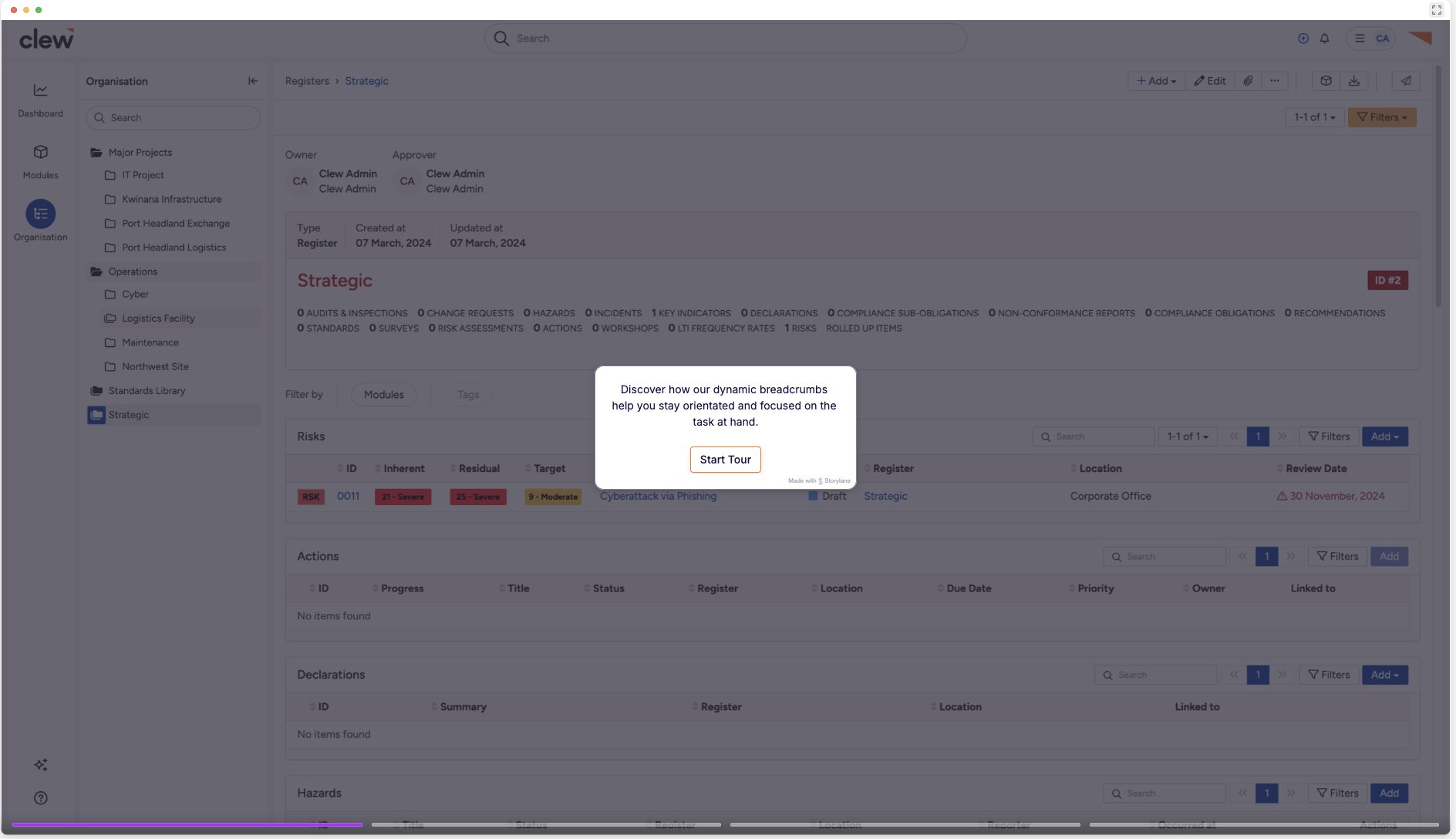 |
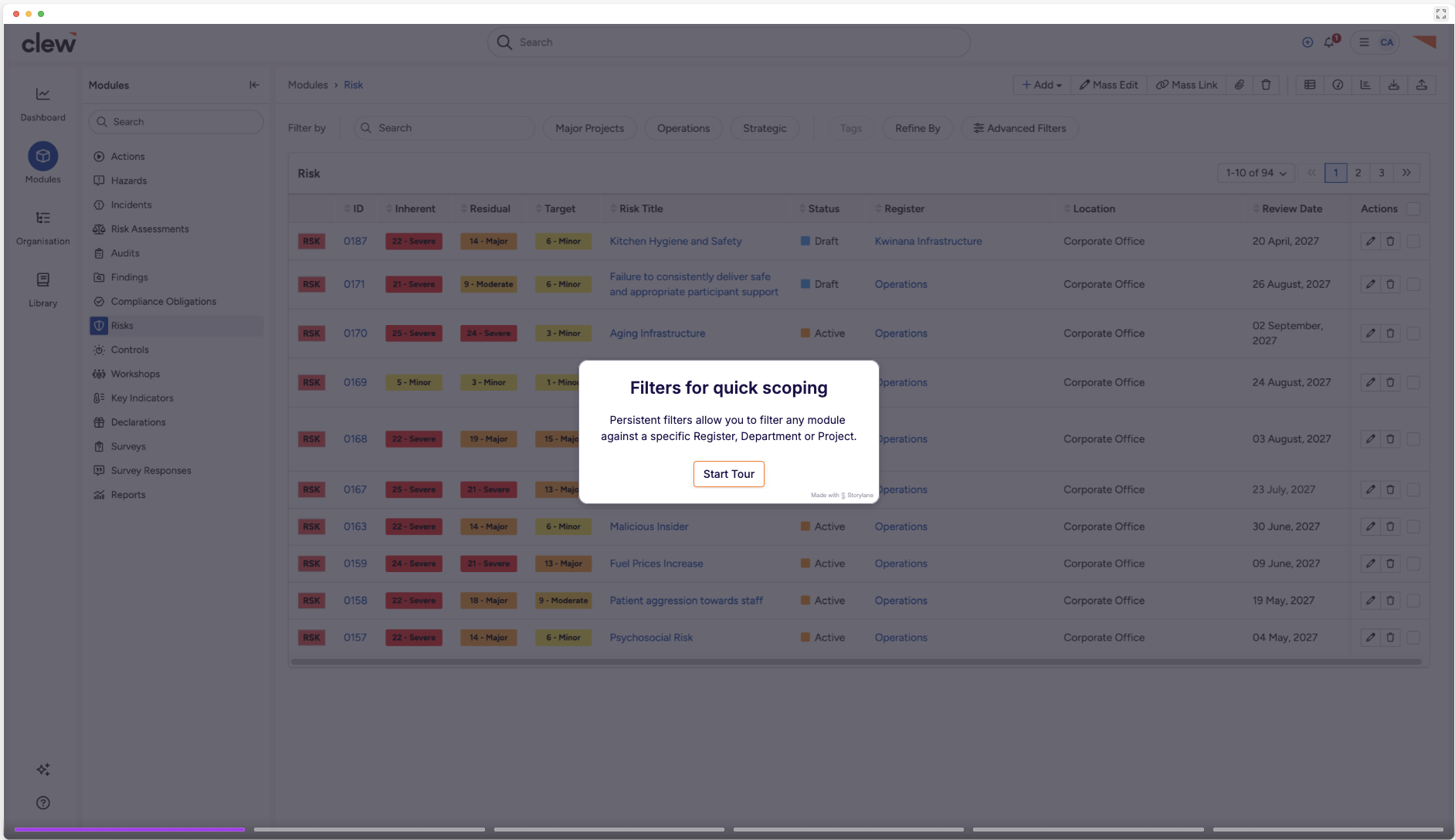
Persistent filters for Modules
Ability to filter modules by your org structure
Clew Navigation | Persistent Filters |
 |
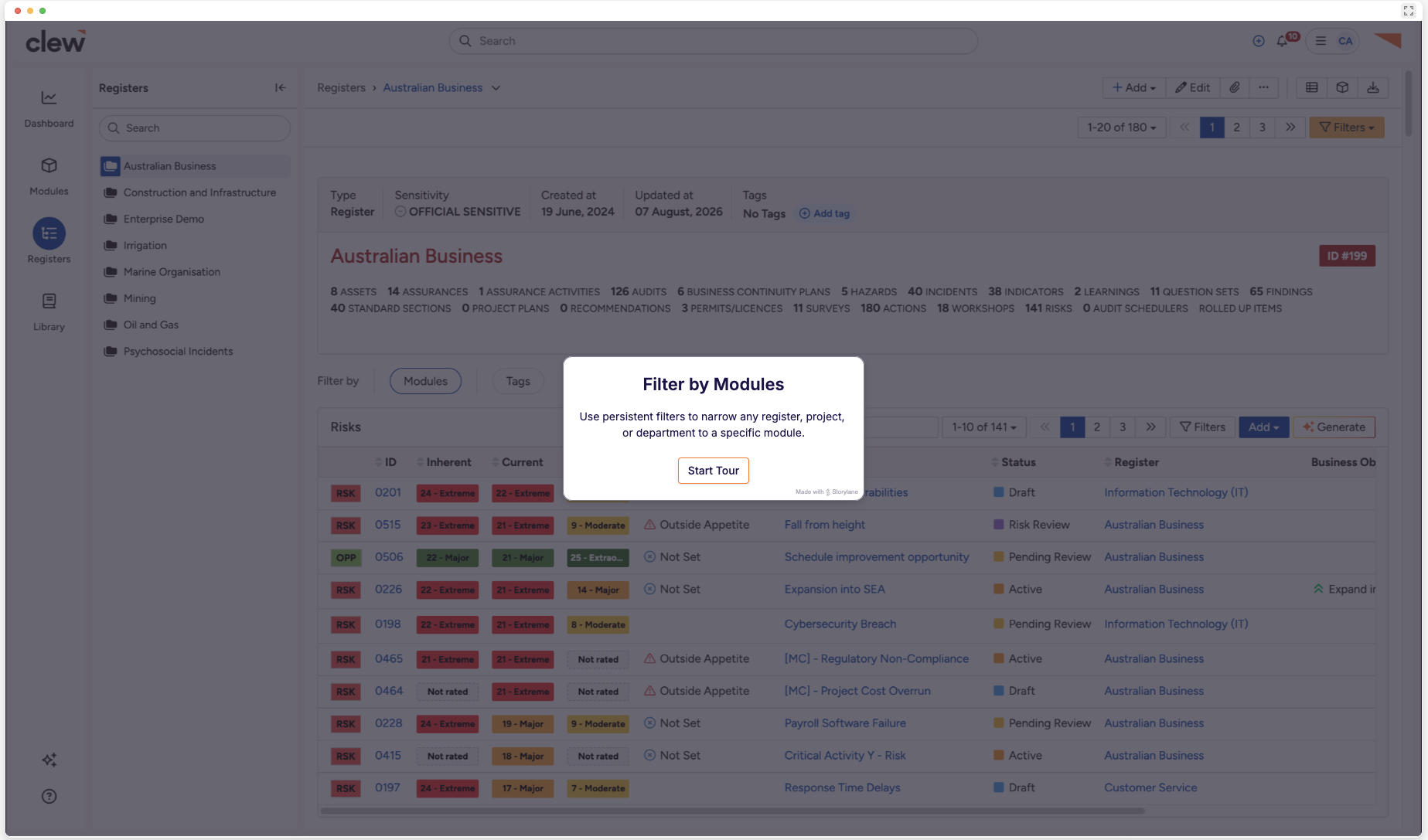
Persistent filters for Registers/Projects
Ability to filter your org structure by modules
Filter by Modules |
 |
Was this article helpful?
That’s Great!
Thank you for your feedback
Sorry! We couldn't be helpful
Thank you for your feedback
Feedback sent
We appreciate your effort and will try to fix the article