Context
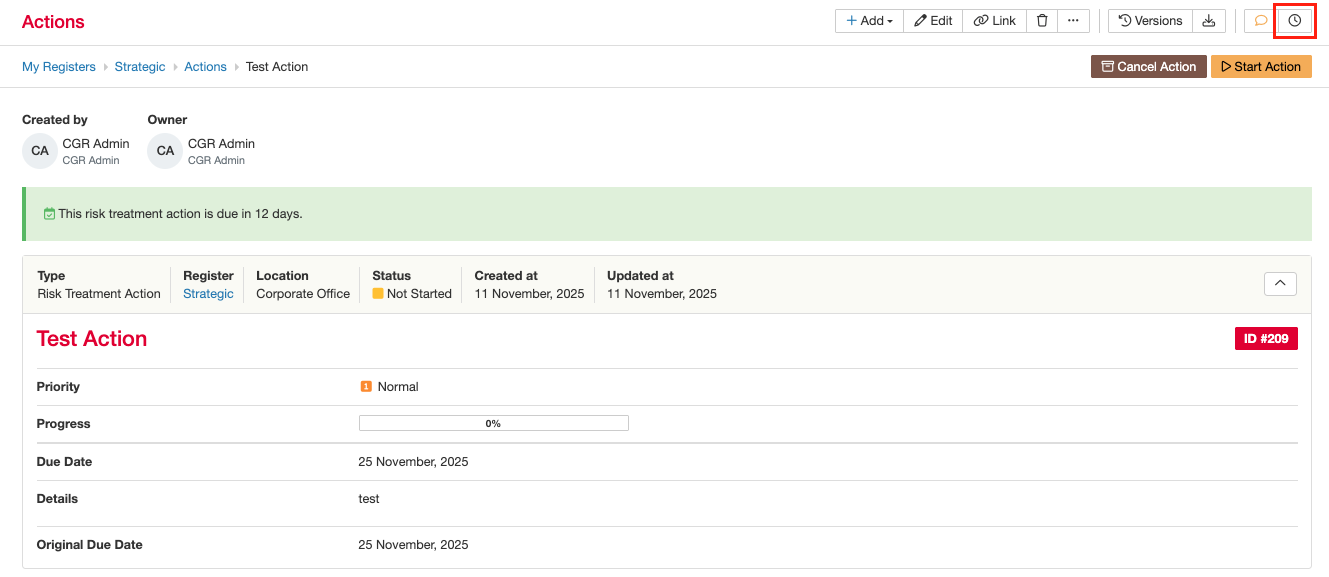
A reminder can be added to records where the functionality has been enabled. Any user with read access can create a reminder.
How to enable Reminders?
In case you can’t add a reminder, it means that the option has been disabled for this Custom Type.
A system admin can follow the below steps to enable the reminder functionality:
- Go to the Admin > Custom Types, open the relevant Custom Type.
- In the Settings section, ensure to toggle on the ‘Enable Reminder Button’.

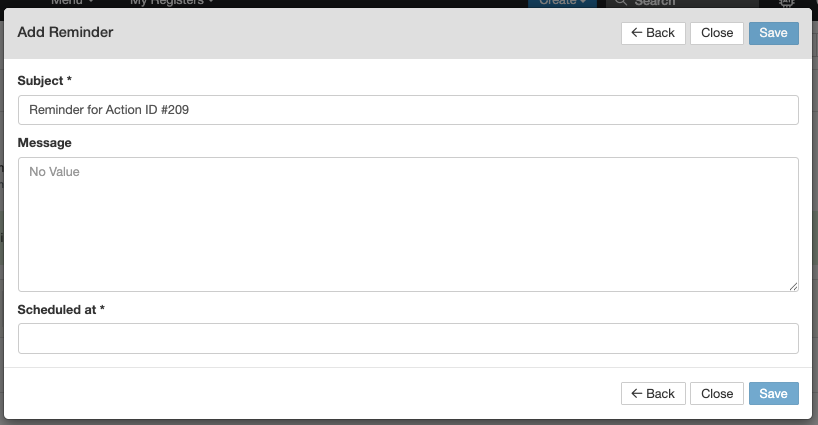
- The reminder functionality is now visible on the record and users can add reminders using the clock-icon and completing the form.
Was this article helpful?
That’s Great!
Thank you for your feedback
Sorry! We couldn't be helpful
Thank you for your feedback
Feedback sent
We appreciate your effort and will try to fix the article