How can I edit a risk matrix?
You must be a System Administrator to create or edit a Risk Matrix in CGR.
To learn more, refer to the articles Risk Matrices and Rating Strategies for detailed guidance.
Important Notes
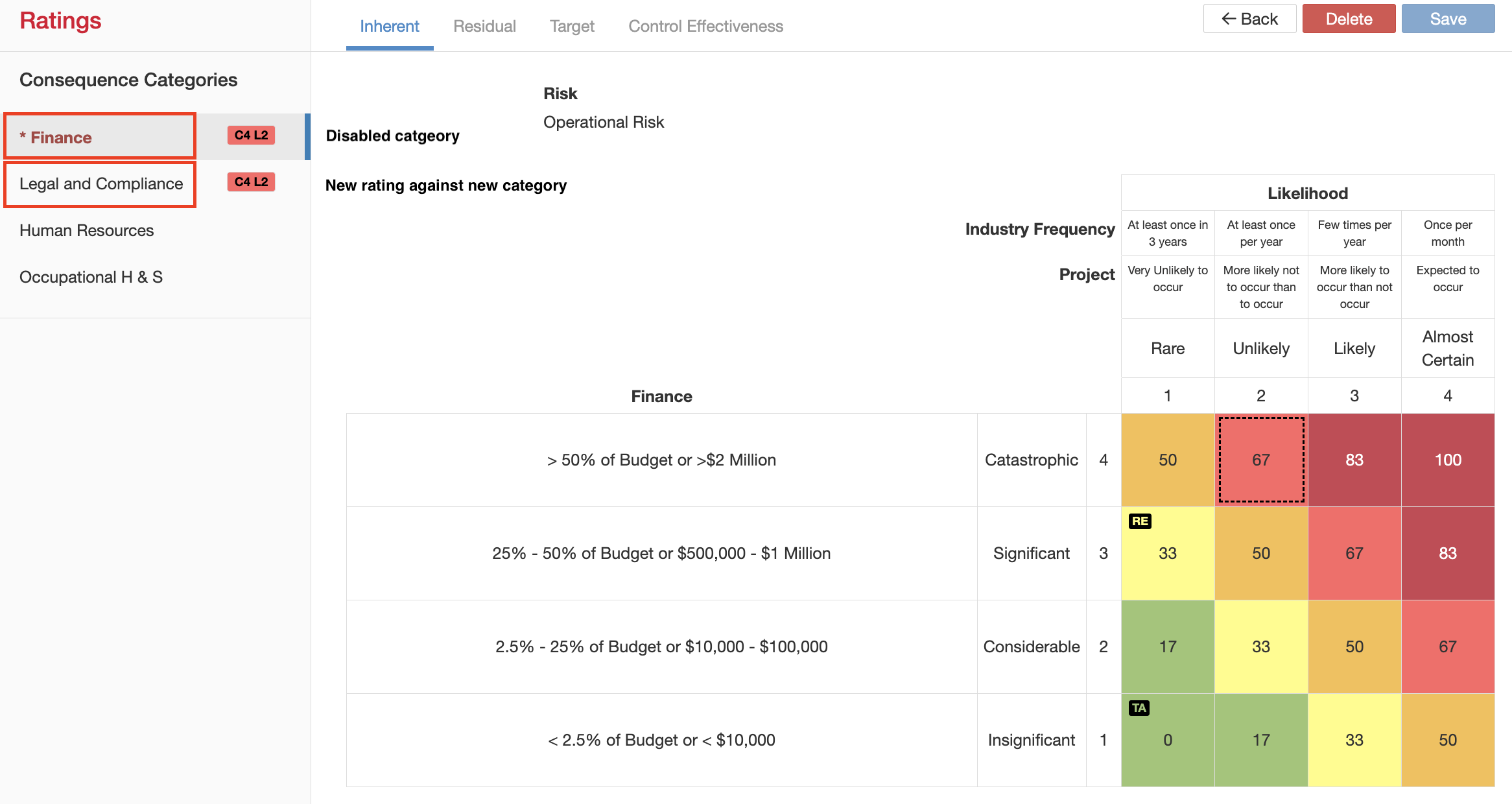
- When you edit an existing Risk Matrix (for example, changing a Consequence Category title), all records that used the matrix will automatically reflect the updated title. This ensures consistency across the system without requiring a mass edit of individual records. The same logic applies to other fields and values within a Risk Matrix.
- If you want to retain existing records as they are but introduce a new option, disable the old value and create a new one. Existing risks will continue to display the disabled rating, but it will no longer be available for selection in new entries.
Guide to edit a risk matrix:
- Navigate to Admin > Risk Matrices, open the risk matrix you want to edit.
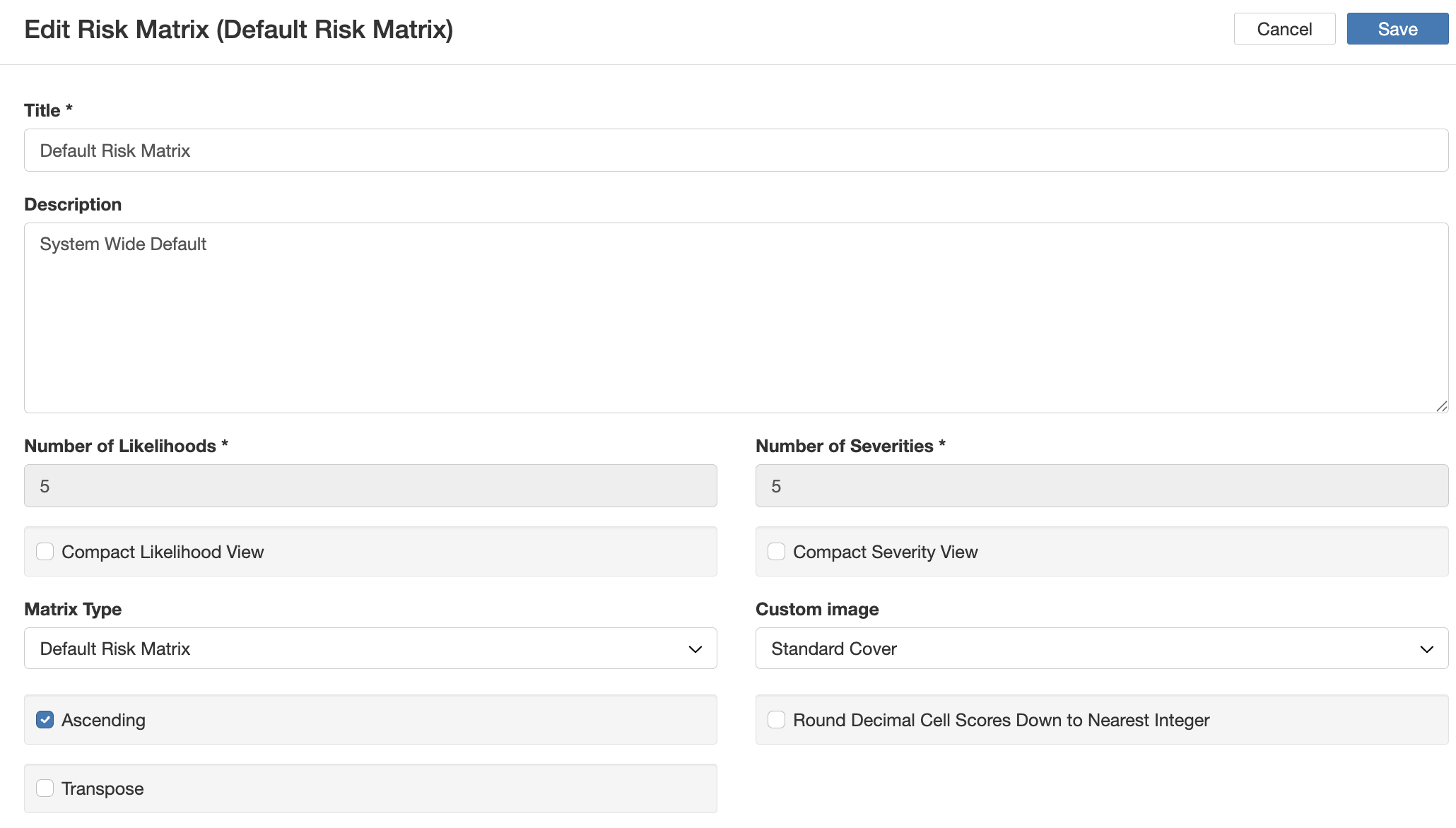
- Apply the necessary changes by hovering over the field and clicking the pencil icon or click on 'edit' to edit the details of the matrix.
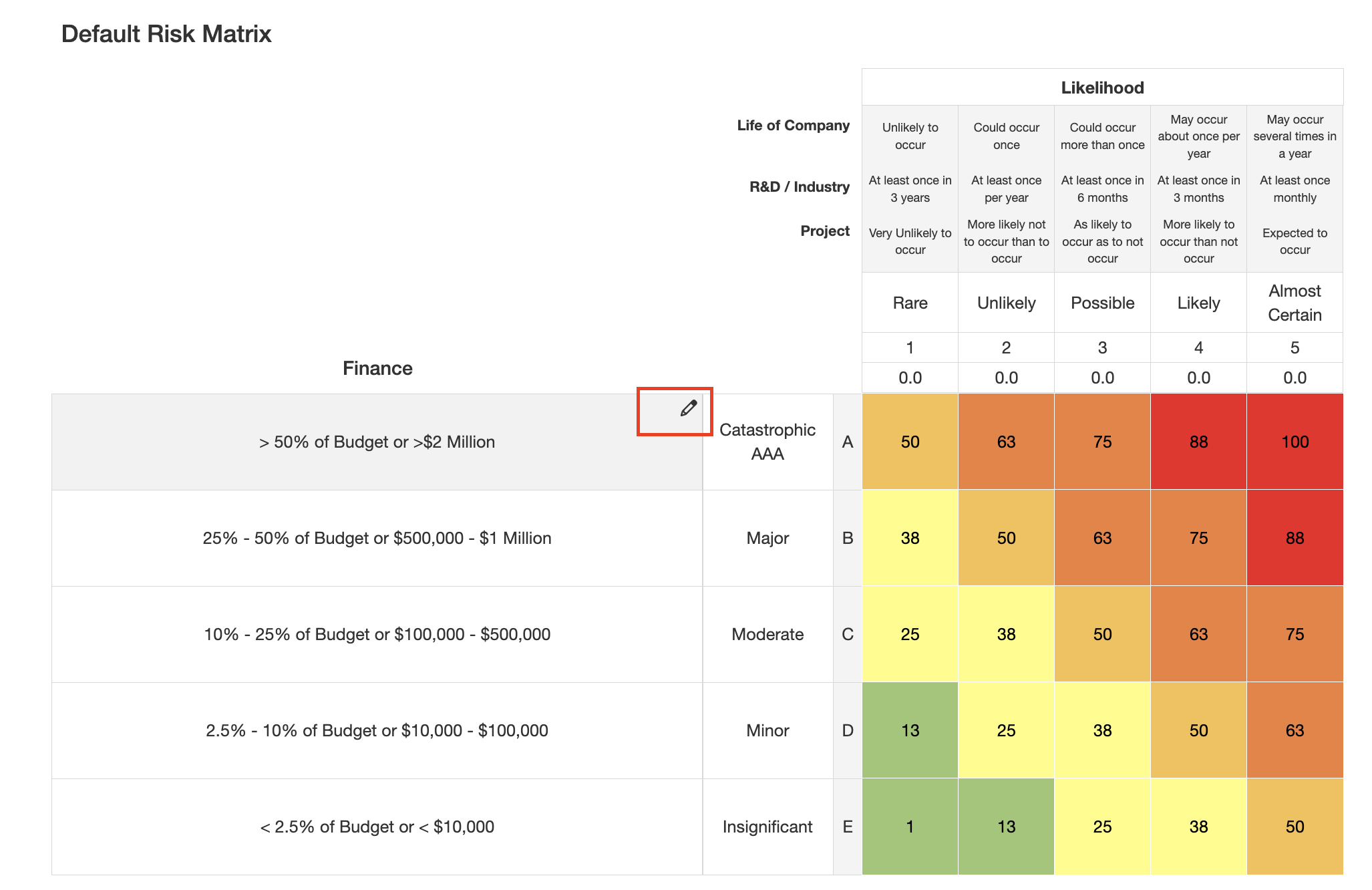
- Changes to the matrix are automatically saved. When making changes to the details of the matrix, click 'save'.
Was this article helpful?
That’s Great!
Thank you for your feedback
Sorry! We couldn't be helpful
Thank you for your feedback
Feedback sent
We appreciate your effort and will try to fix the article